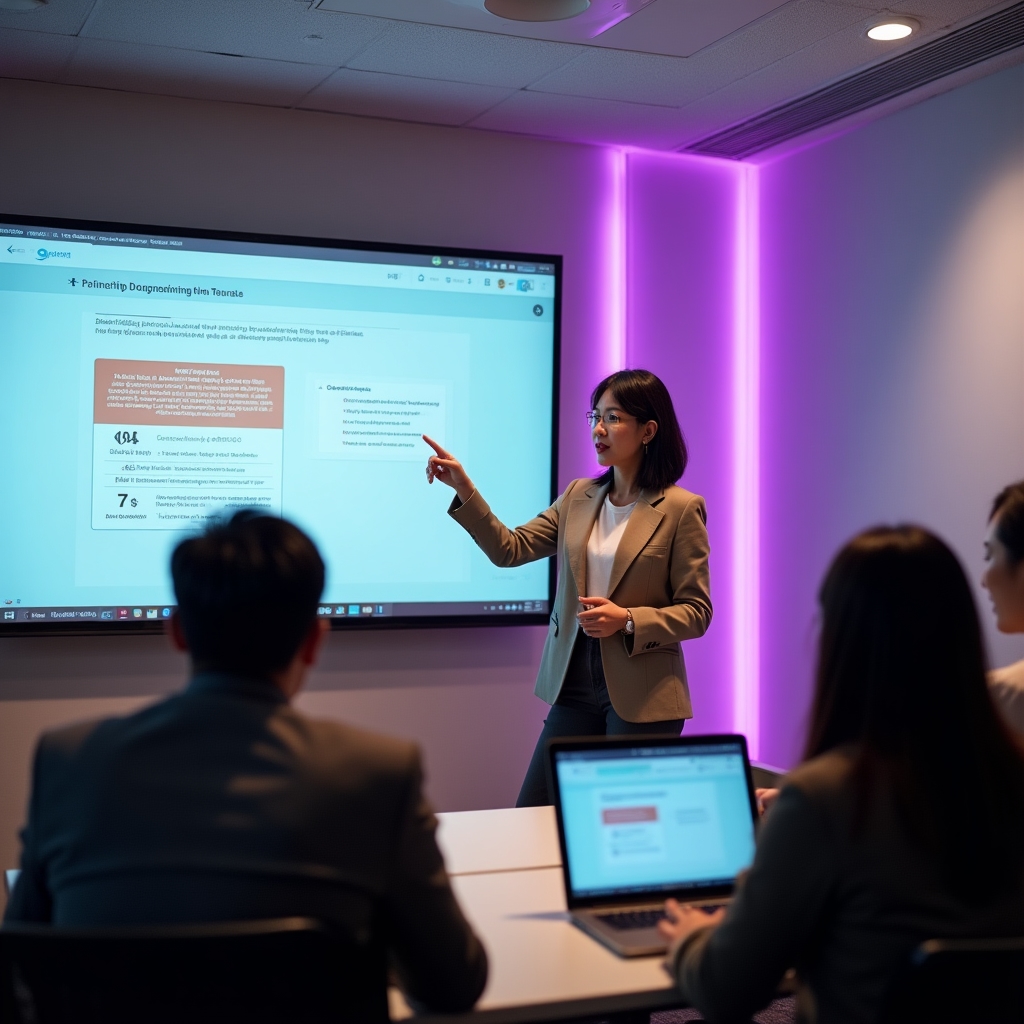
Workshops
Short sessions for teams getting set up or adjusting how they use decline alerts. Each one focuses on a specific part of the workflow rather than a general tour.
Four sessions, each with a narrow focus
Sessions run as live video calls with a shared screen. A written recap and recording are available afterward for anyone who could not attend live.
Onboarding Walkthrough
Connecting Google Analytics and Search Console, reviewing the first batch of baselines, and setting decline thresholds that match your publishing cadence.
Best for whoever is setting up the account, usually a team lead or strategist.
Alert Triage Session
How to read a decline alert, what each cause tag means in practice, and how to decide which alerts need immediate attention versus a later look.
Best for editors and writers who will be working alerts day to day.
Role Mapping Workshop
Matching task types to the right people on a small team, including what to do when one person covers more than one role.
Best for teams of two to five where roles overlap.
Quarterly Rhythm Planning
Replacing a manual quarterly audit with an ongoing rhythm: how often to review priority lists, and how to fold updates back into the editorial calendar.
Best for team leads planning ongoing content maintenance.
Sessions are scheduled around your team's roles, not a fixed calendar
Because teams in this size range rarely have a dedicated training budget or a full week to spend on onboarding, sessions are kept short and specific. A team of three might combine onboarding and role mapping into one call. A team of nine might send different people to different sessions depending on what they handle.
- Team leads typically attend onboarding and rhythm planning.
- Editors and writers typically attend alert triage.
- Strategists and developers often join role mapping to clarify handoffs.

What actually happens on the call
Each session opens with a short explanation of the concept, followed by a live look at a sample account so the ideas connect to something visible on screen. The remaining time is left open for questions specific to your content library and team setup.
Written guides covering the same material are available for asynchronous reading, and sessions can be requested in a written-guide-only format for teams that prefer not to schedule a call.